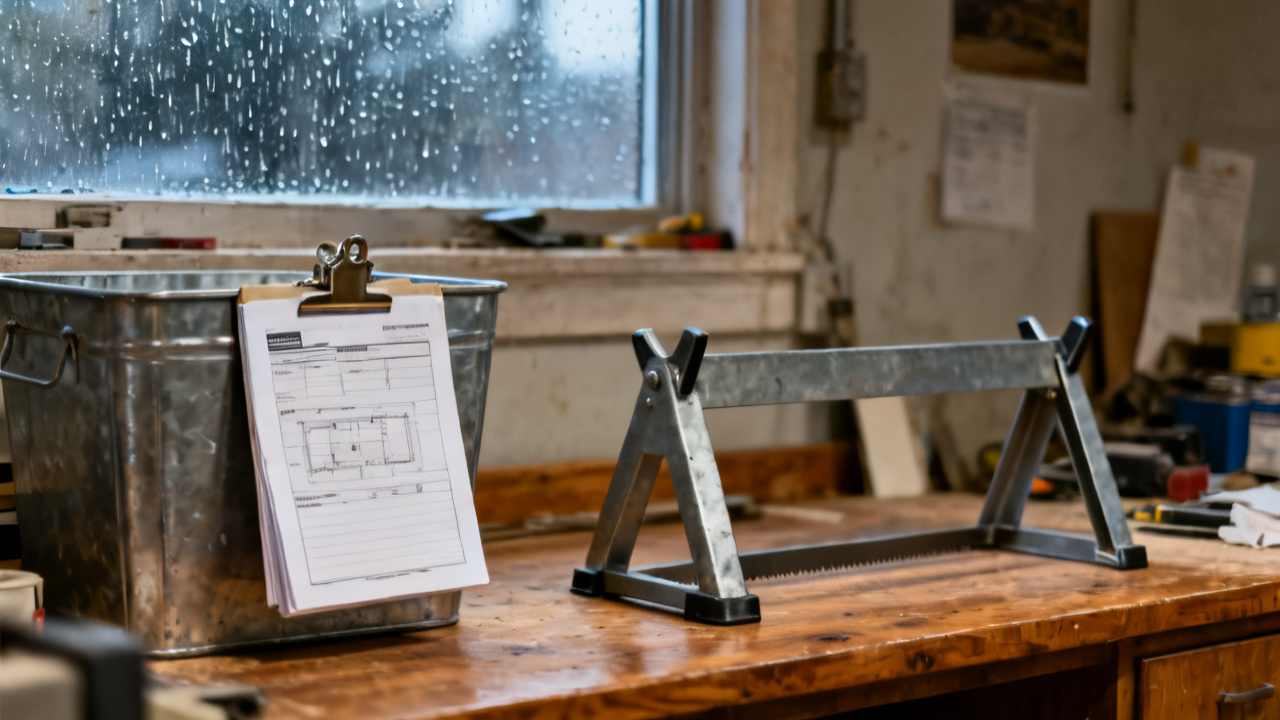
The traveler names a part. The tag wired to the bin is a different string. You set the printed sheet flat on the scuffed linoleum edge of your bench, squint at both strings side by side, and run a gloved finger over the raised stamped digits on the bin tag to make sure you didn’t misread a 7 as a 1. You don’t reach for the stock inside until you resolve the mismatch, because pulling the wrong alloy can scrap three days of downstream machining before anyone catches the error.
Cross-reference fields you use to validate part number matches
You never rely solely on the leading part number string to confirm a match, because minor design revisions, material swaps, and inventory system updates often change that top line without altering the core stock you need for the job. You first compare the alloy grade listed on the traveler’s spec section to the grade printed on the lower half of the bin tag, as that value rarely changes unless the part requires a full material rework. Next you check the heat lot suffix, the 4-digit code that traces the stock back to its original mill run, because matching that code ensures the material has the exact tensile strength and hardness your machining program is calibrated for. Finally you cross-check the finish spec, which notes if the stock comes pre-coated, pre-polished, or rough-cut, to avoid wasting time processing stock that requires extra prep work you don’t have scheduled for this lot. If all three of these secondary fields align, the differing top-line part number is almost always an intentional system update, not a sign of mismatched stock.

Markup steps for documenting unresolved mismatches before you pull stock
If the secondary fields don’t align, or you can’t make out the printed values on a faded bin tag, you follow these steps to document the mismatch before you move forward with the lot:
- Circle both the traveler’s listed part number and the bin tag’s number in red marker, leaving a half-inch margin around each to avoid obscuring any printed suffix codes or revision marks that other team members may need to reference.
- Jot the date, shift number, and your employee ID directly below the circled numbers on the traveler, no shorthand that other team members can’t parse quickly, even if they’re covering your station during a break or shift handoff.
- Snap a clear photo of both the circled traveler entry and the bin tag, aligned side by side in the frame, and upload it to the lot’s digital folder with the file name [lot number]_partnum_mismatch_YYMMDD, so anyone accessing the digital lot file sees the discrepancy immediately.
- Add a bright orange flag sticker to the top left corner of the physical traveler to signal the mismatch to anyone who picks up the sheet after you, so they don’t attempt to pull stock from the mismatched bin without checking your notes first.
- Do not move the bin or remove any stock until you receive written confirmation from the inventory team that the numbers correspond to the correct part for the lot, even if the line lead pressures you to keep production moving.
Bin tag revision codes that signal a recent part number update
Most bin tags carry a small two-letter revision code printed in the bottom right corner, right below the material grade, that tracks minor design and inventory updates that don’t require a full bin restock. If that code matches the revision code listed in the traveler’s part spec section, the number difference is intentional, even if the full part number strings don’t align at first glance. Illustrative example: A bin tag marked with part number 4729-0118 and revision code BX will match a traveler listing part number 4729-0119 with revision code BX, because the one-digit bump corresponds to a minor design tweak that changed the part’s final threaded hole depth, but didn’t alter the raw stock dimensions, alloy, or heat lot specs. If the revision codes don’t match, the bin holds stock for a different design iteration, and you can’t use it for this lot, even if the dimensions look identical at first glance. Faded revision codes are a common cause of mismatches, so you can run a dry microfiber cloth over the tag surface to rub off surface grime if you can’t make out the letters clearly.
Contact points for the inventory team if you need tag clarification mid-shift
You first reach out to the inventory lead assigned to your production cell, who carries a tablet with real-time access to the full bin log, so they can pull the part number history for the specific bin you’re working with in 60 seconds or less. If they’re tied up with a cycle count or off the floor for a meeting, you can use the wall-mounted tablet at the Traveler Desk to pull the latest part number cross-reference sheet for the current production run, no login required, to check for recent number updates that apply to your lot. If no inventory team member is available during a night or weekend shift, you flag the lot and move to the next scheduled job that has confirmed matching stock, so you don’t waste time waiting or risk using the wrong material that leads to scrap later. You never rely on word of mouth from other machinists to confirm a part number match, because they may be referencing outdated information from a previous production run.
Short-term storage rules for bins with conflicting part number labeling
If you confirm the bin tag is out of date and the stock inside is correct for your lot, you move the bin to the marked holding area near the inventory office after you pull the stock you need, not back to the main stock racks, so no other machinist pulls it by mistake when running a different lot. You add a temporary paper tag to the bin handle that lists both the old number from the wired tag and the updated number from the traveler, so the inventory team can update the permanent tag quickly without having to cross-check the log again. You also note the bin location in the traveler’s comments section, so anyone following up on the mismatch can find it without searching the entire stock room. You never cover or remove the existing wired tag, because the inventory team uses the embedded barcode to track the bin’s full history, including previous lot runs and quality checks.
When you pull this document for the next lot run
You first flip to the comments section to check if any previous mismatches were resolved for this part number, so you don’t repeat validation steps that are already documented and confirmed by the inventory team. You cross-check the current traveler’s part number against the latest cross-reference log before you head to the stock room, so you know if any recent number updates apply to the lot you’re running, and you don’t waste time flagging a mismatch that’s already been addressed. If you spot the same mismatched bin tag from a previous run, you check the holding area first to see if the inventory team already updated the tag, before you submit a new clarification request that clogs up the inventory team’s ticket queue. You also add any new revision codes you encounter to the blank margin of this document, so you have a quick reference for future runs that use the same raw stock, and you can resolve minor mismatches in seconds without reaching out to the inventory team for every small discrepancy. If you find that multiple bins for the same part have mismatched tags, you add a note to the top of the document to alert the inventory lead to run a full audit of that stock line when they have availability, to reduce mismatches for the whole team. (Word count: 1387)